Opera Mini
Opera Mini is a lightweight and fast web browser for Android devices with data-saving capabilities that save a lot of data.

Safe & Secure
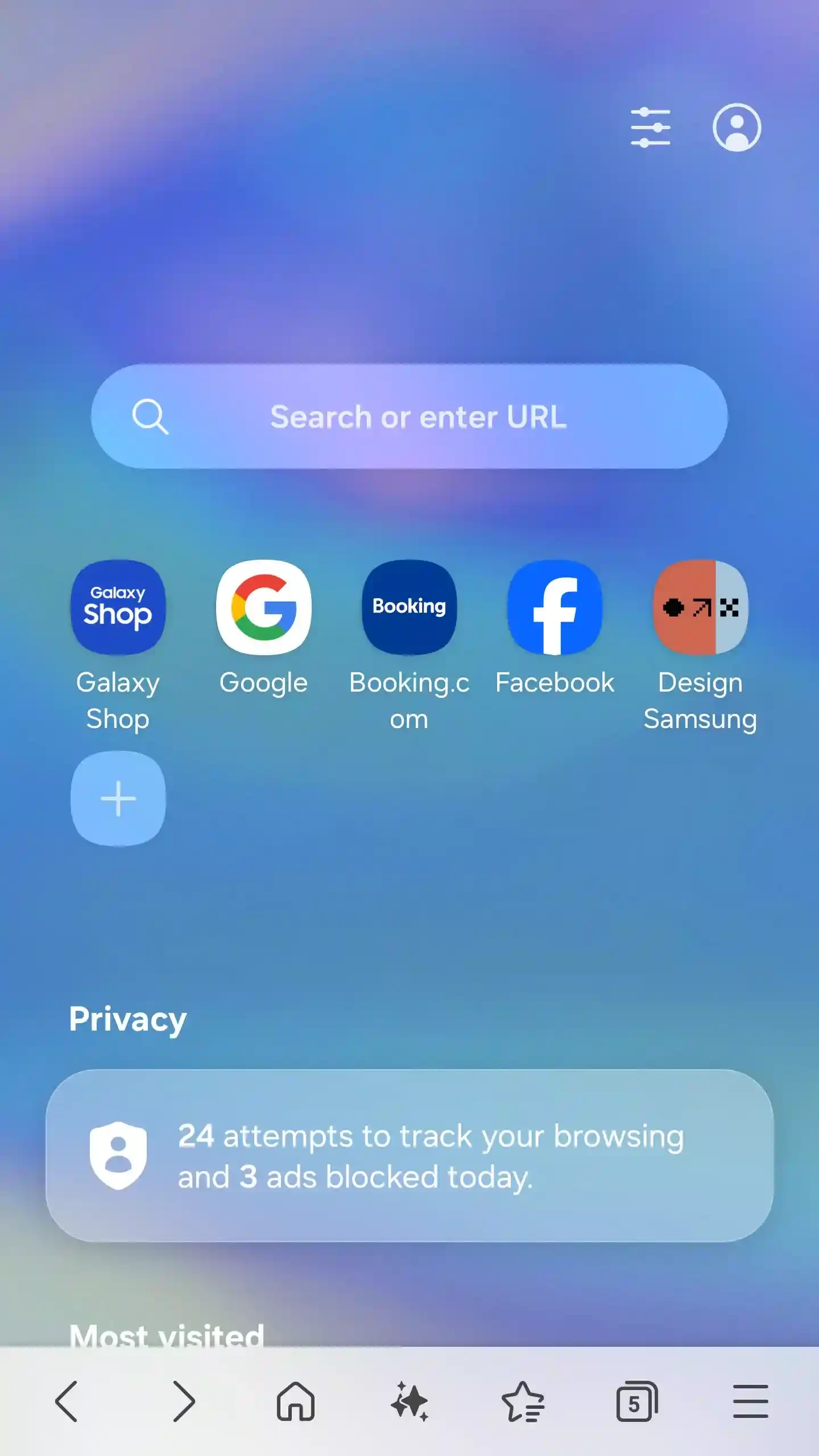
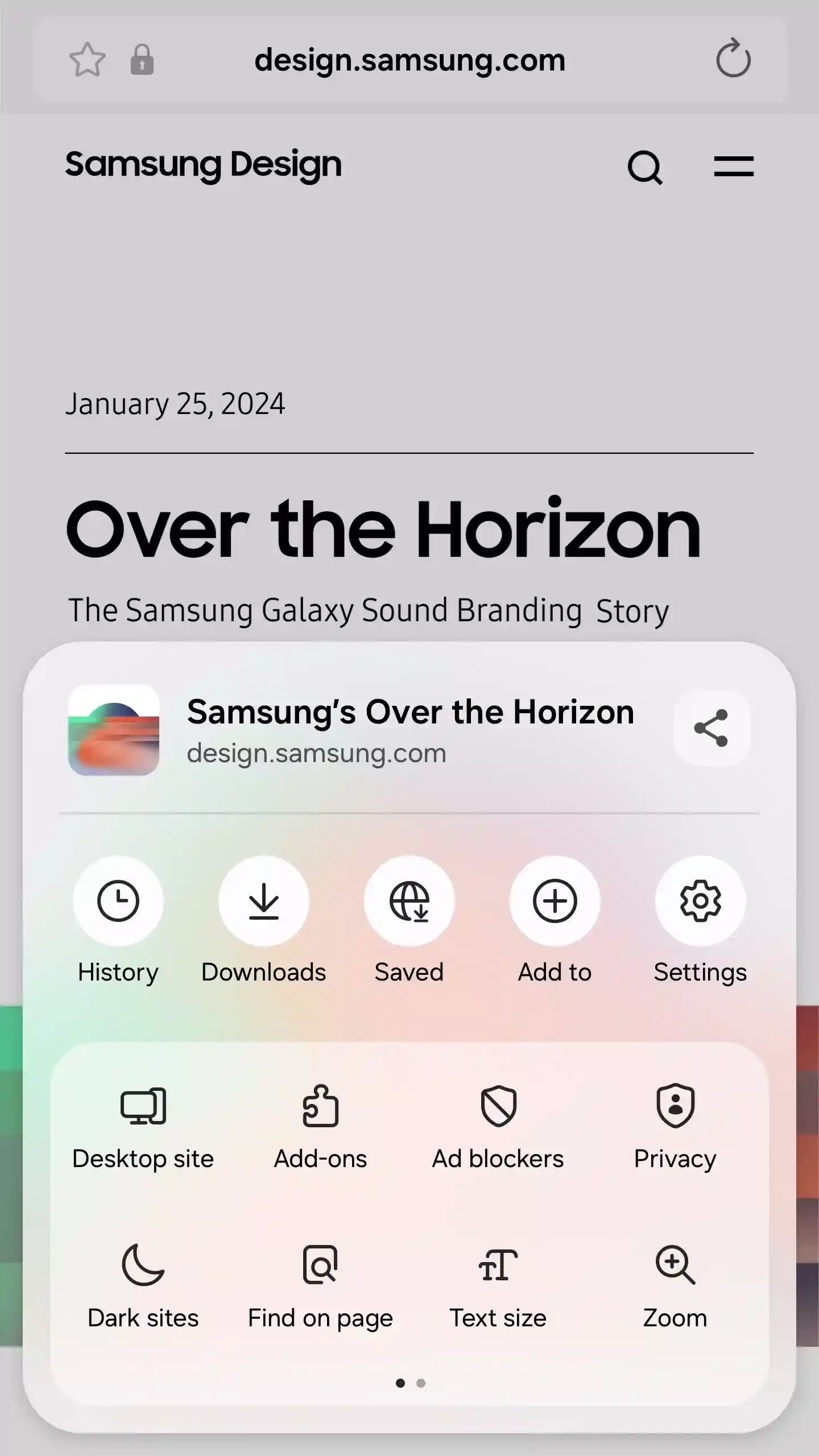
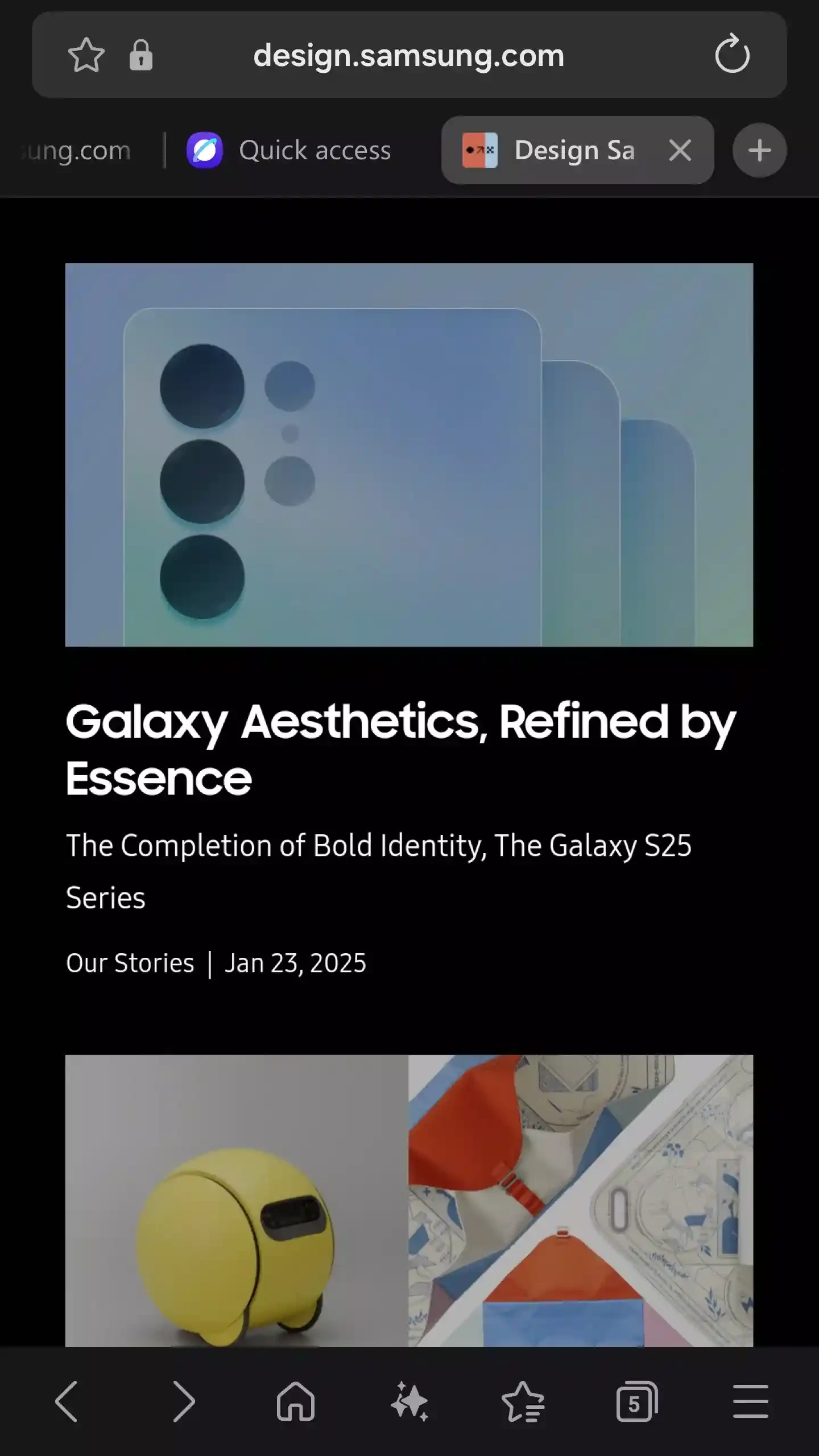
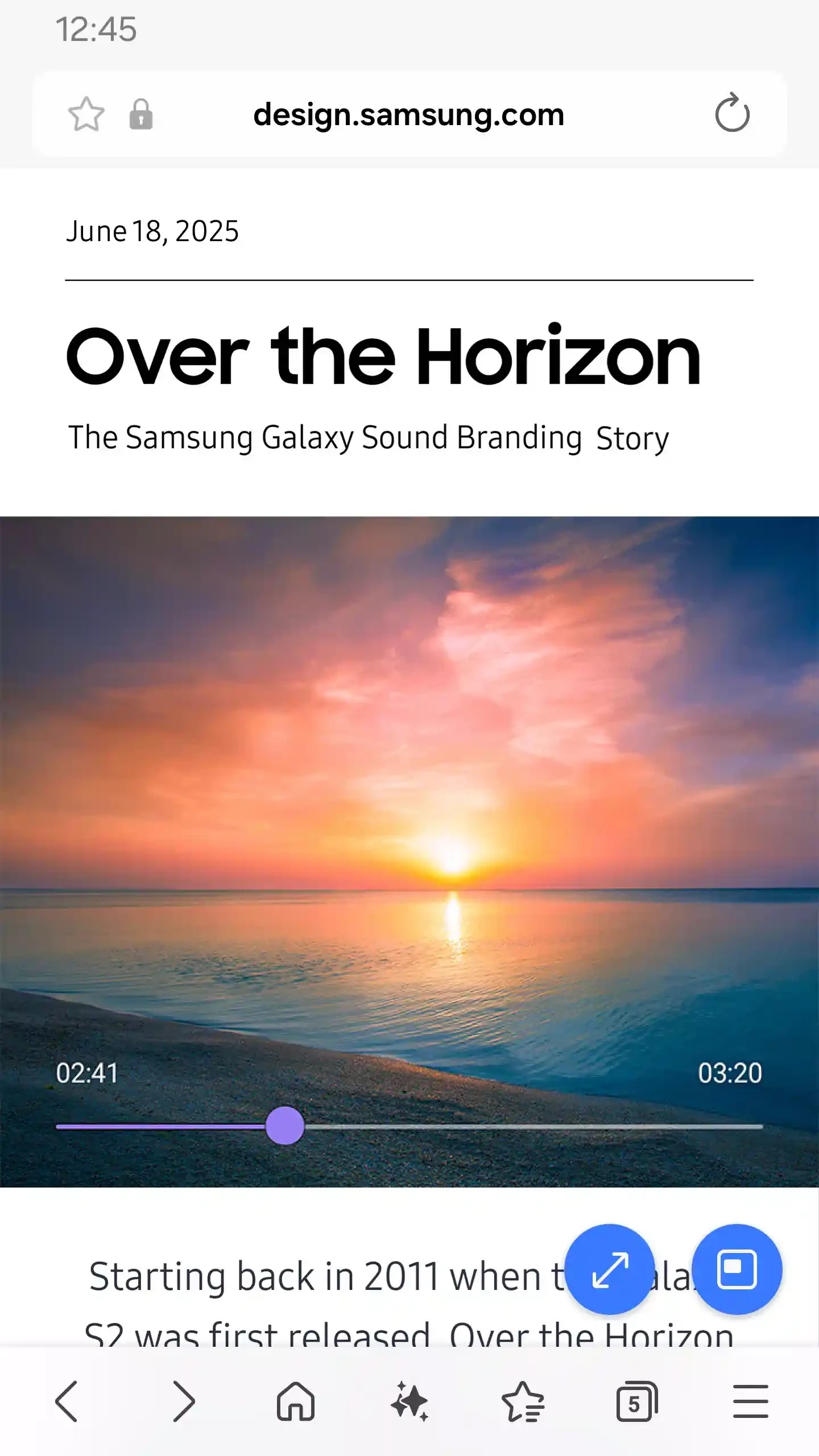
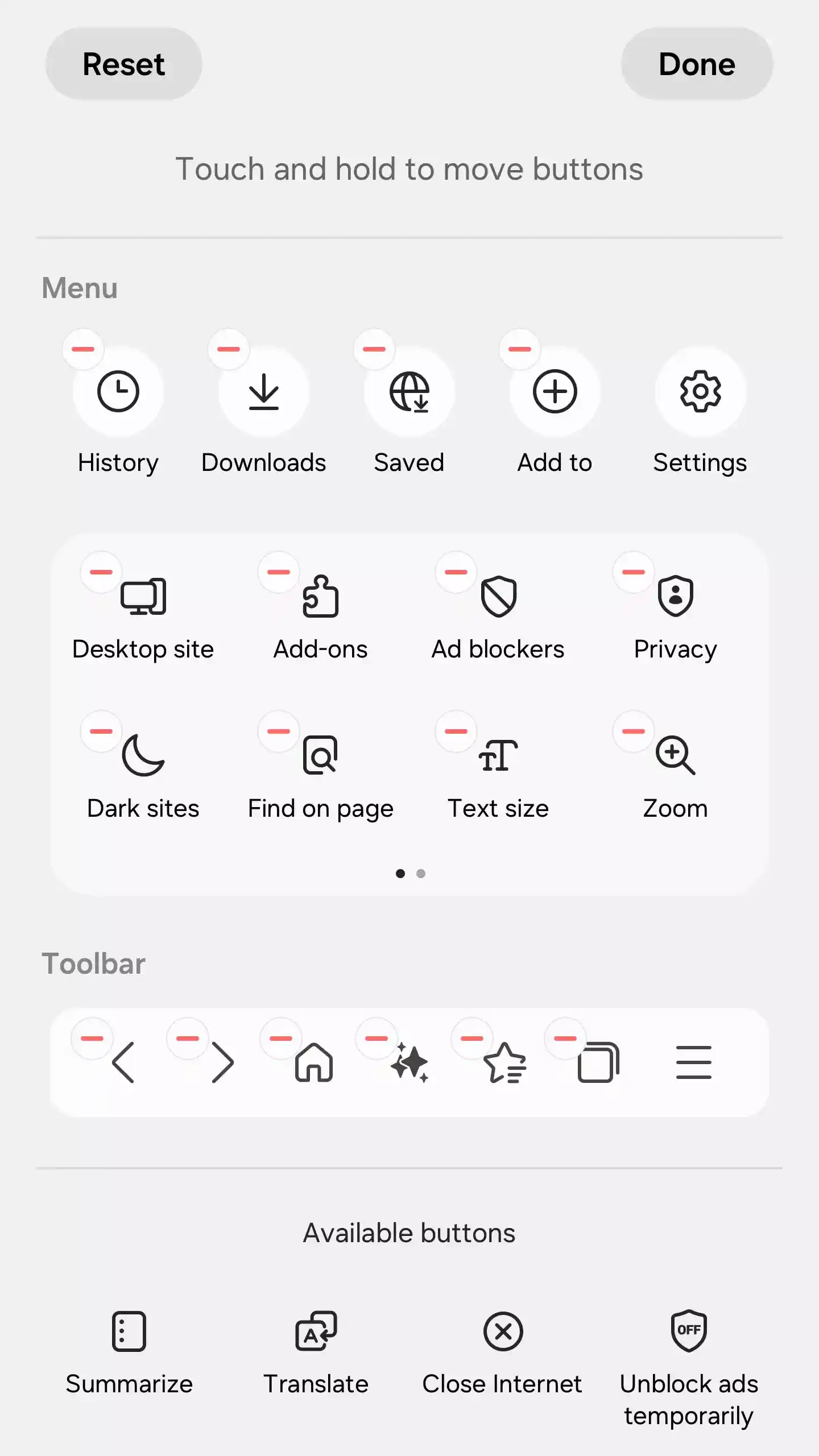
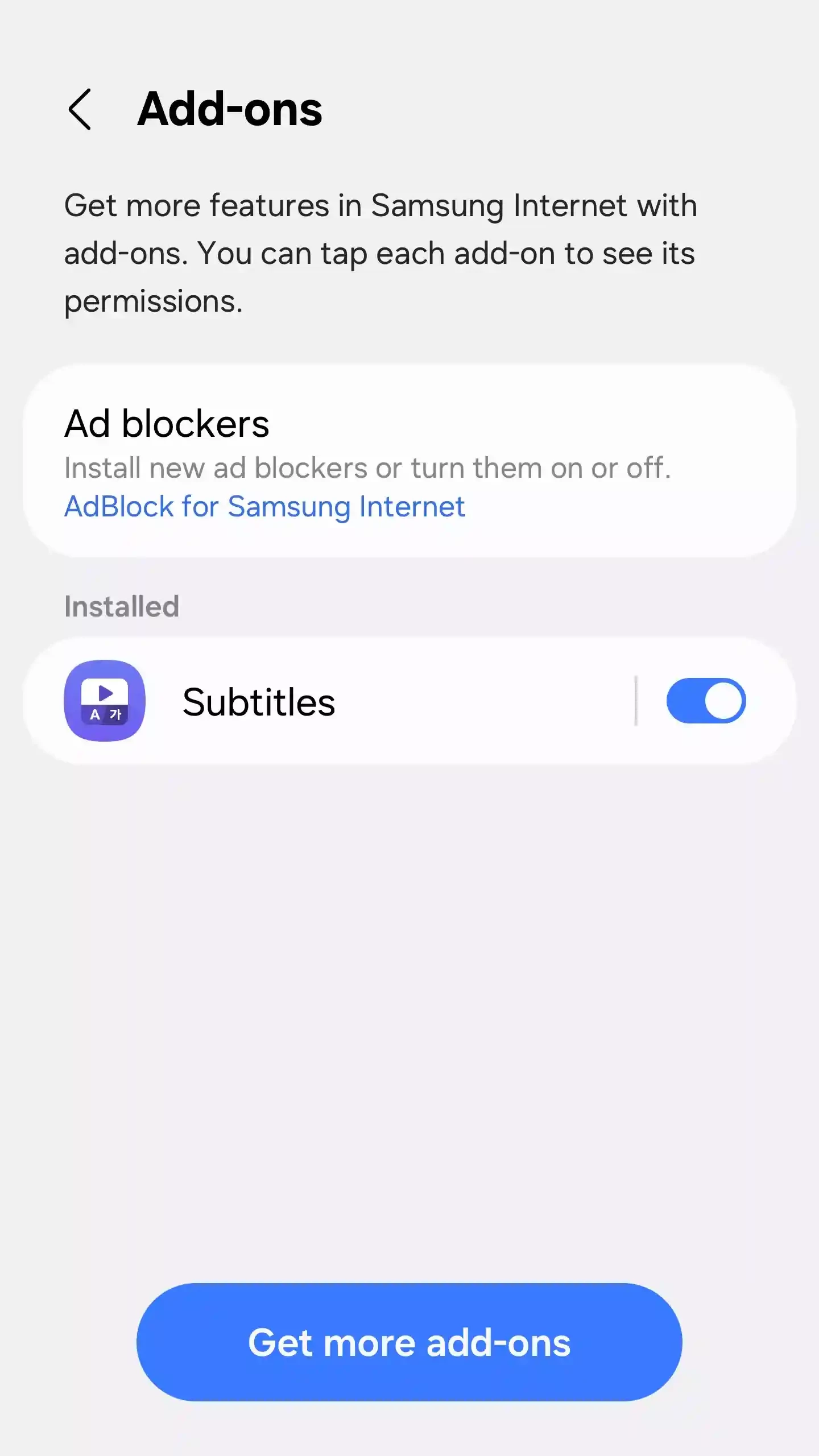
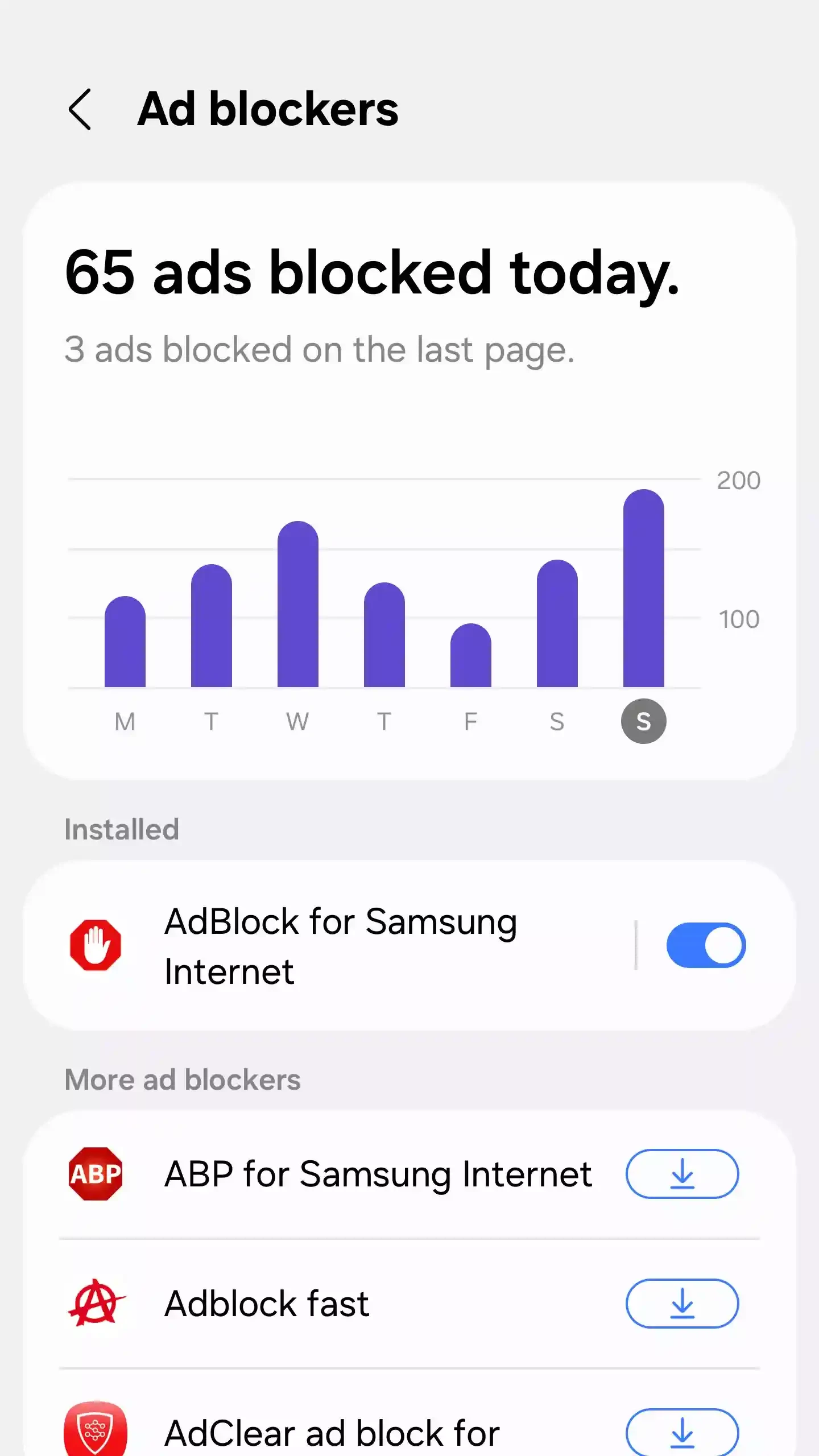
Samsung Internet Browser is the official web browser for Samsung devices, but you can use it on other Android devices running 5.0 or higher as well. It is a safe, efficient, and simple-to-use utility that offers an optimized browsing experience. It has multiple built-in functionalities to make your browsing process simple and smooth.
Most people use the pre-installed web browsers on their devices, but to enjoy a thrilling online browsing experience, using a different browser can enhance this functionality. Samsung browser offers quick browsing while focusing on privacy and usability.
Samsung Internet Browser, developed by Samsung Electronics, is basically designed for Samsung Galaxy, Google Nexus, and tablets. It is Chromium-based that offers advanced tracking protection, biometric security, and other related tools to organize and enhance your web experience.
The innovative utility proves one of the best competitors for Google Chrome, as it offers a lot of privacy-oriented features, supports multiple add-ons, smooth page loading, a built-in ad blocker, and a lot of others. It allows users to change their default search engine, or even enjoy awesome deals within the Amazon Shopping Assistant.
The user interface is clean and lightweight with easy navigation, and you will find dark and light modes to select in different scenarios. The browser generally comes pre-installed in Samsung Android phones, and has multiple buttons at the bottom of the screen. The address bar, bookmark button, and refresh button are at the top of the screen. You can easily navigate to recently visited websites using the back and forward buttons from the bottom tray. Tabs are available in squares and open easily. Use Secret Mode to browse anonymously, and Night Mode to relieve your eyesight.
You will find a multi-column layout to manage your tabs, specifically on mobile devices. Along with easy and intuitive tab management, you will also find tab navigation and tab scroll animations. In this way, you can avoid the tiresome activity of using your fingers to scroll; instead, the feature will make your navigation simple and easy. The user-selectable option reveals the menu bars, even during scrolling a webpage.
Enjoy a distraction-free reading within the built-in reading mode facility, as it reliably strips away unwanted elements from your favorite articles. It is the best solution for users with S Pen facility to directly scrap and share web content, as it makes the sharing of snippets or entire pages more convenient. You can also save pages for offline reading.
It ensures the addition of your favorite ad blocker and QR scanner to your device. It is convenient to manage your navigation for your favorite webpages, as the use of an ad blocker helps to get rid of overloading with irritating advertisements. It helps to prevent the pages from creating new windows. So, it is necessary to install the apps with blocking functions.
It is one of the important features that allows you to declutter your interface, as it quickly closes the tabs that aren’t in use for a specific period. You need only to go to the Internet Settings menu, enable the “Auto-close unused tabs” option, and let the unused tabs be closed automatically.
The availability of an extensive suite of privacy options helps to make your online browsing safe. You can manage your privacy using the Secret Mode, as it allows you to browse anonymously. You can make your online sessions, such as your browsing history, cookies, etc traceless. You can add an extra layer of security while using biometric authentications including fingerprint recognition.
The seamless integration with Samsung Cloud helps users to sync their bookmarks and open tabs across the Samsung ecosystem and allows quick switching between devices while continuing their browsing process. However, you can import bookmarks from Chrome for data migration, as it has limited synchronization with other browsers.
The support for multiple advanced web technologies, such as 360-degree video, WebVR, and other web standards, helps to offer an interactive experience and smooth multimedia playback. Ultra power saving mode is also available for the sake of extended battery life. Moreover, it also offers a smart anti-tracking facility for detecting domains with cross-site tracking ability, and blocking of storage access.
Pros
Cons

Opera Mini is a lightweight and fast web browser for Android devices with data-saving capabilities that save a lot of data.

Microsoft Edge, an AI-powered browser with strong privacy, extensions, and built-in functionality

Kiwi Browser APK is a free, and lightweight Browser based on Chromium and WebKit

Chrome Browser, which supports modern touch screens for fast and secure browsing

Mozilla Firefox browses privately, adds awesome add-ons, and customizes seamlessly

UC Browser offers fast and streamlined browsing with strong data-saving capability